 EDII
EDII
Fee desk
Search a student and collect against their ledger, months and past receipts in one place.
EDII Fees · on the school operating system
EDII collects school fees at the counter and online, prints the receipt, sends it to the parent, and keeps one ledger per student. The office sees what came in today and who still owes, without a register or a spreadsheet, and parents pay from the EDII app or a payment page.
01 · At the counter
Type a name, ID or roll number and the student's ledger, pending months and past receipts open together. Pick the months, take the payment, print the receipt.
The receipt prints as the same fixed form every month, listing every fee head set up for the class, with opening dues and the balance. The parent gets the receipt on WhatsApp and email without anyone typing it.
Fee heads per class, discounts by rule or by student, instalments, transport fees by bus stop, optional fees, and dues carried from an earlier session. Switching from another system? We bring your full fee history across for you.
02 · Online
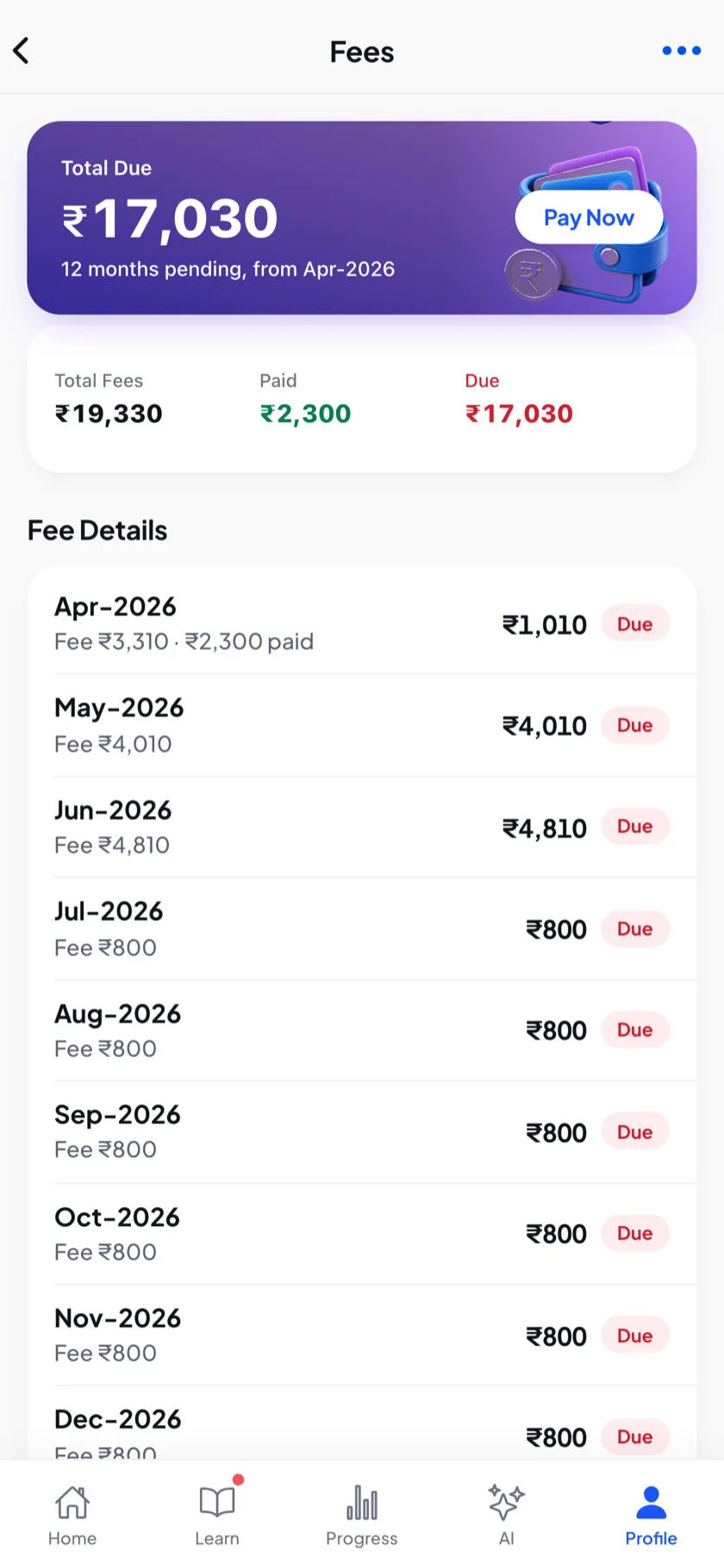
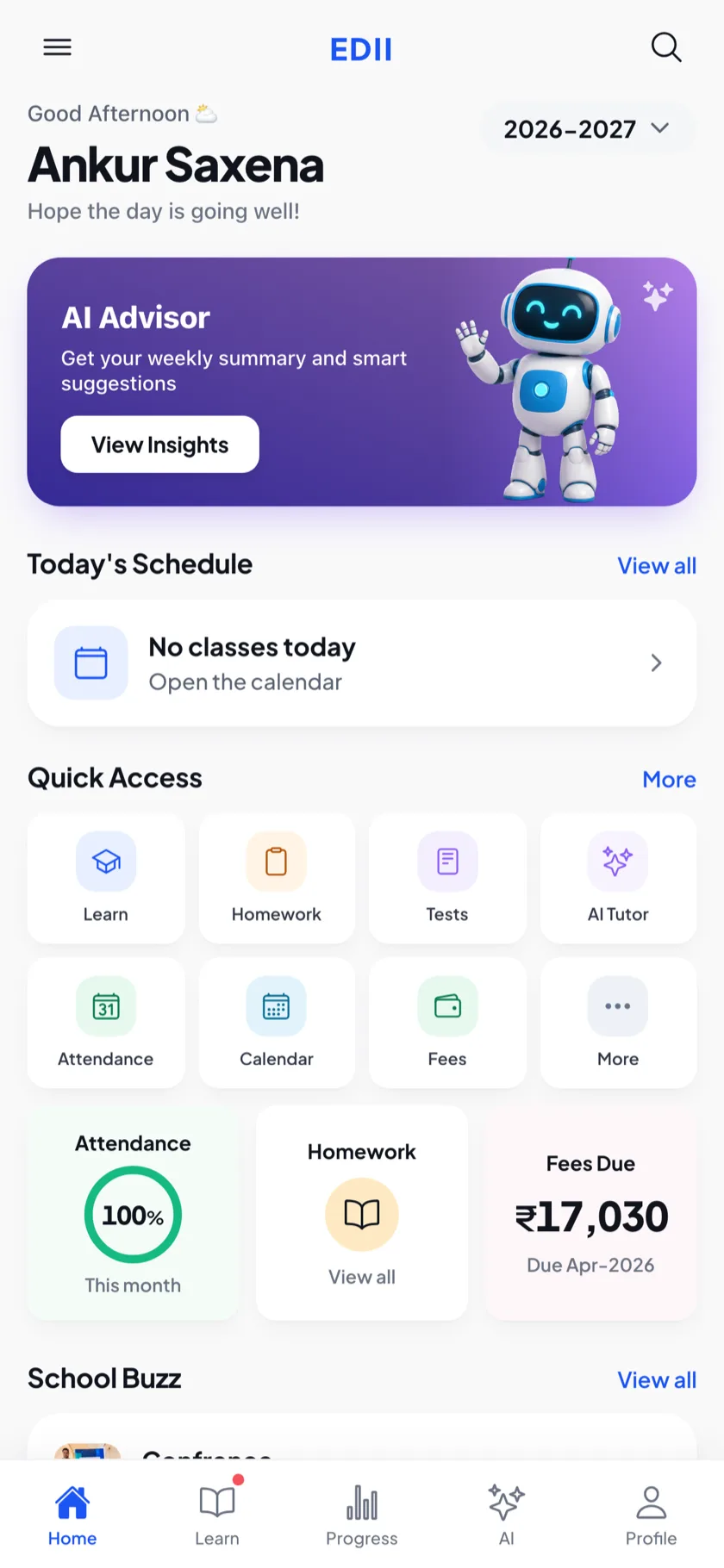
The EDII parent app shows every child's fees month by month with a Pay Now button, and a payment page works for families who never installed the app.
The total for the chosen months sits right above Proceed to Pay and already includes any convenience fee, so there is no surprise on the next screen. A Payment received card keeps the payment and order IDs on screen, and amounts read the Indian way: ₹1,26,500.
03 · Dues and reports
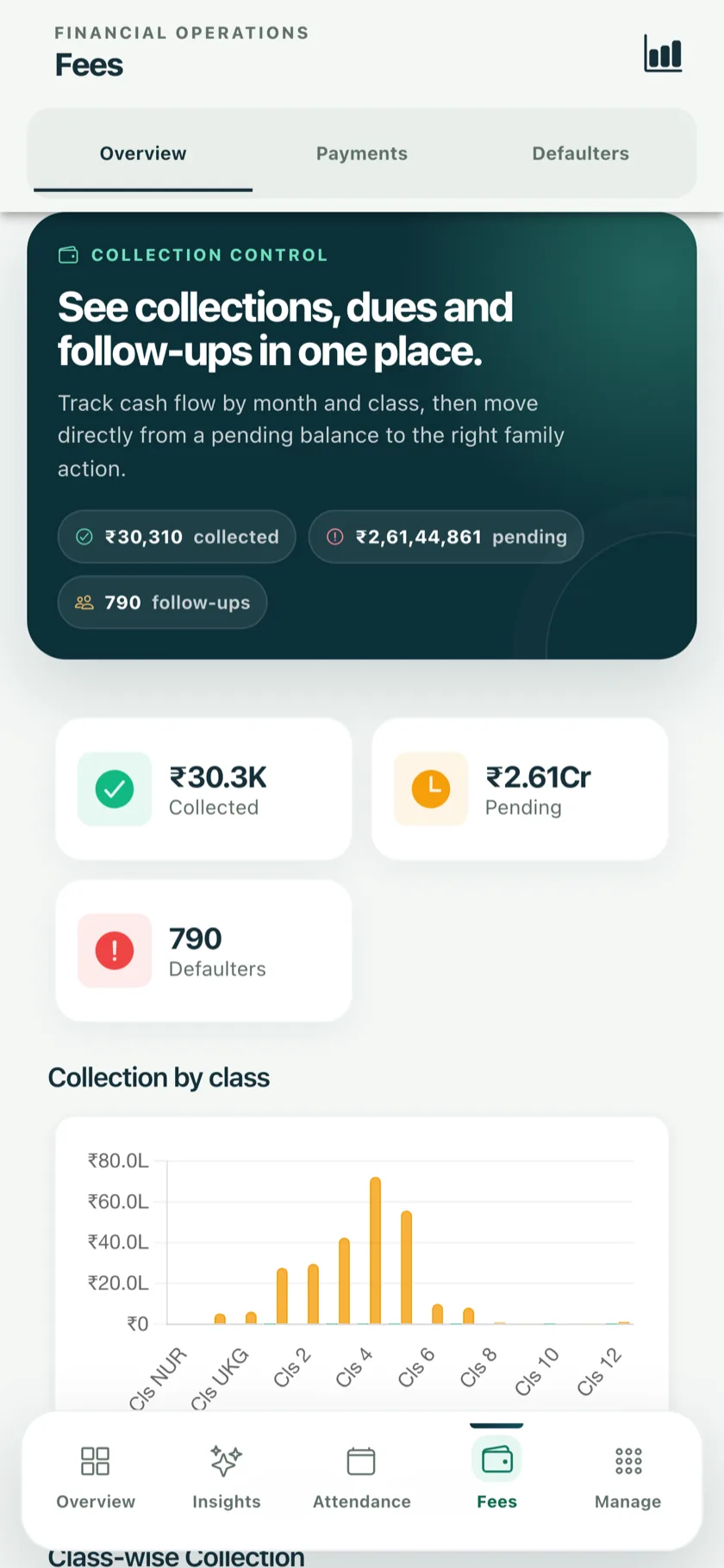
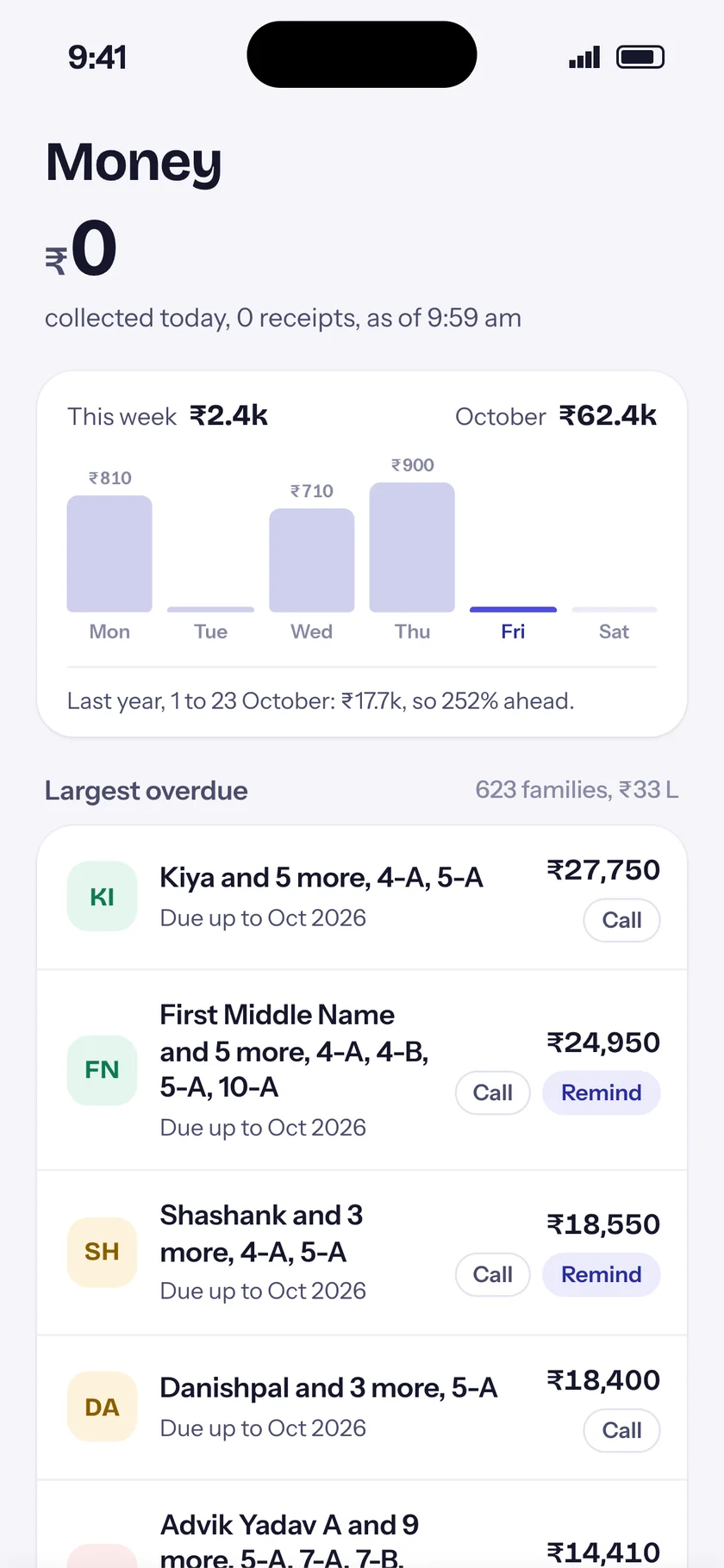
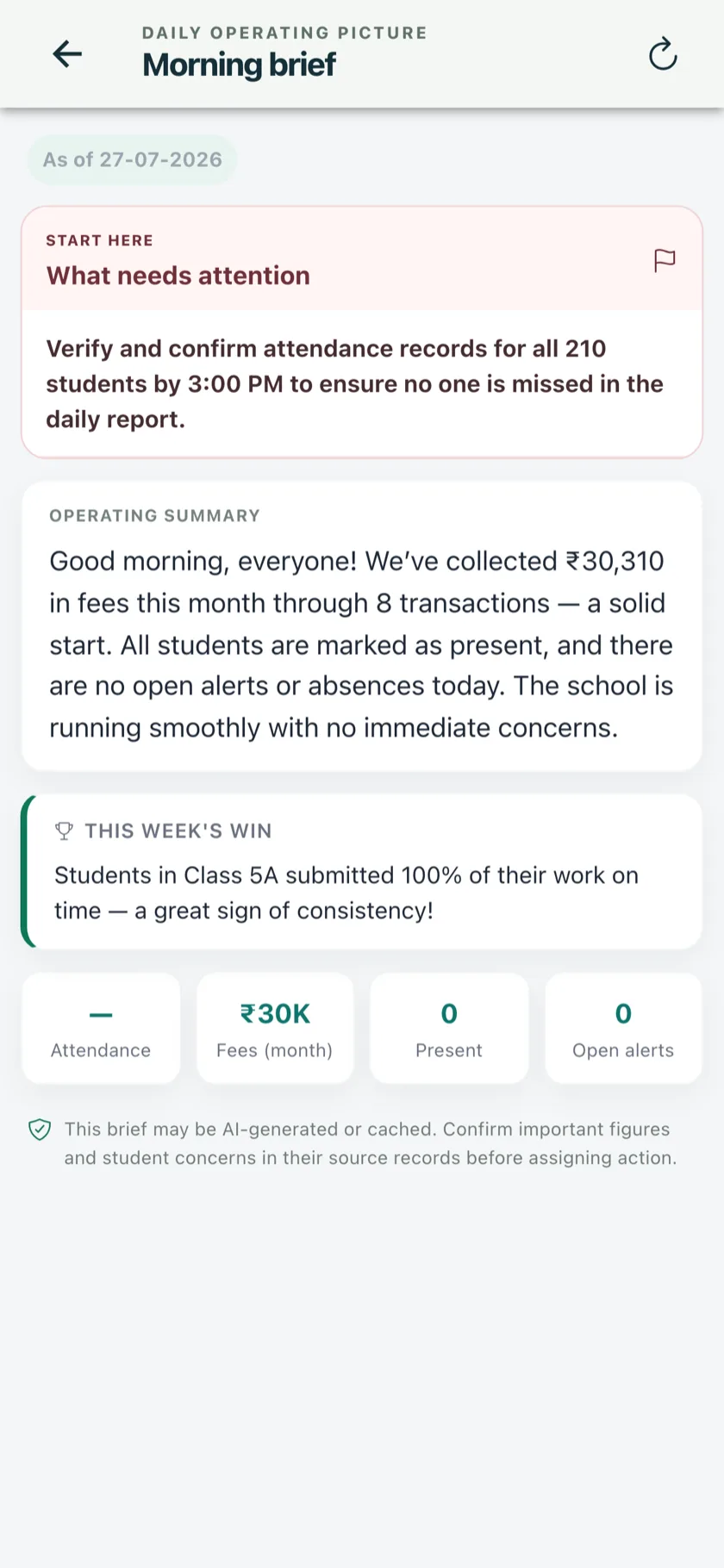
Dues lists run on the months you pick. Reports print on A4 or download to Excel, and the principal sees the same figures on the phone.
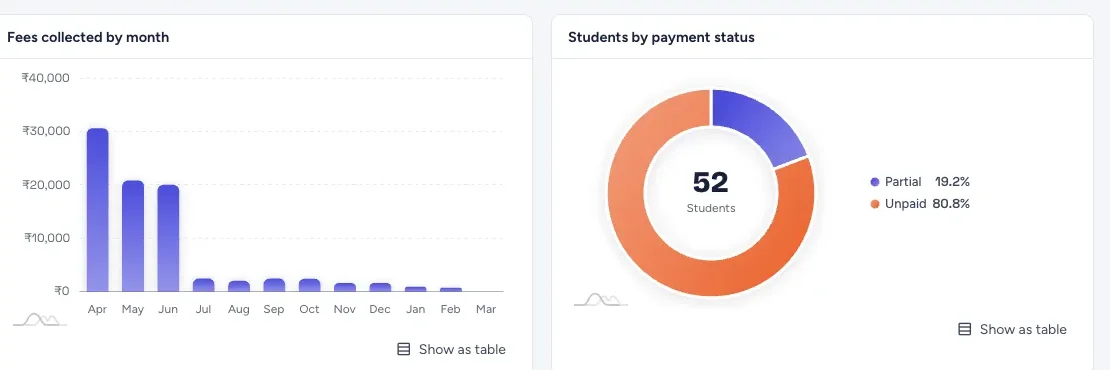
Fee defaulters lists the students who have paid nothing for the months you choose; Pending fees lists every student with what was charged, paid and still due. A class fee month grid shows the whole session at a glance, and demand bills print with a last date of payment.
04 · Everything in Fees
Search a student and collect against their ledger, months and past receipts in one place.
A fixed receipt form with every fee head, printed and sent to the parent.
Pay Now in the parent app and a phone-first payment page, with the total shown before paying.
Discount rules by class, fee head or student, and fees in instalments.
Bus fees by stop, optional fees, and dues from an earlier session.
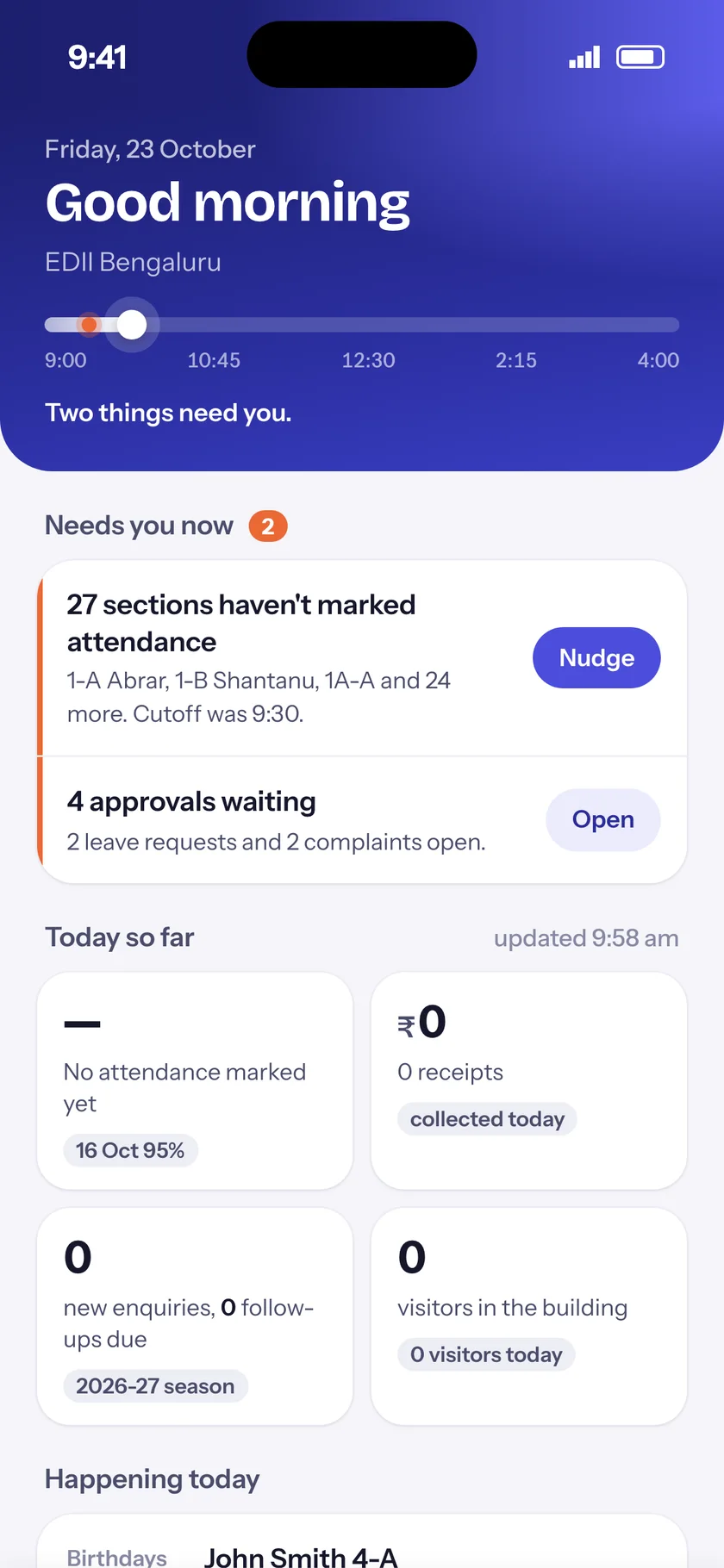
Day book, collection by month, defaulters, pending fees, class grids and the master transaction report.
05 · Questions
Yes. Parents pay from the EDII parent app (Pay Now) or from the school's payment page, by card, UPI or net banking through the school's payment gateway. The total, including any convenience fee, is shown before they pay, and the receipt reaches them on its own.
Yes. Fee heads are set per class and session, with discounts, instalments, transport fees by stop and optional fees. Next year's structure is copied forward and edited, not built again.
We bring your full fee history across when you switch, and dues from an earlier session are collected on the same fee desk.
Yes. Every receipt is sent to the parent on WhatsApp and email, and shows in the parent app with the months it paid.
Each role sees only what it is allowed to. The principal sees the day's collection and dues on the EDII Admin app; cashiers see the desk; teachers see nothing they do not need.
Next step
A 30-minute demo on your own fee structure. Setup, data migration and staff training are free.
Or start in 60 seconds: create your school's ID (opens in new tab) · +91 78294 67111