 EDII
EDII
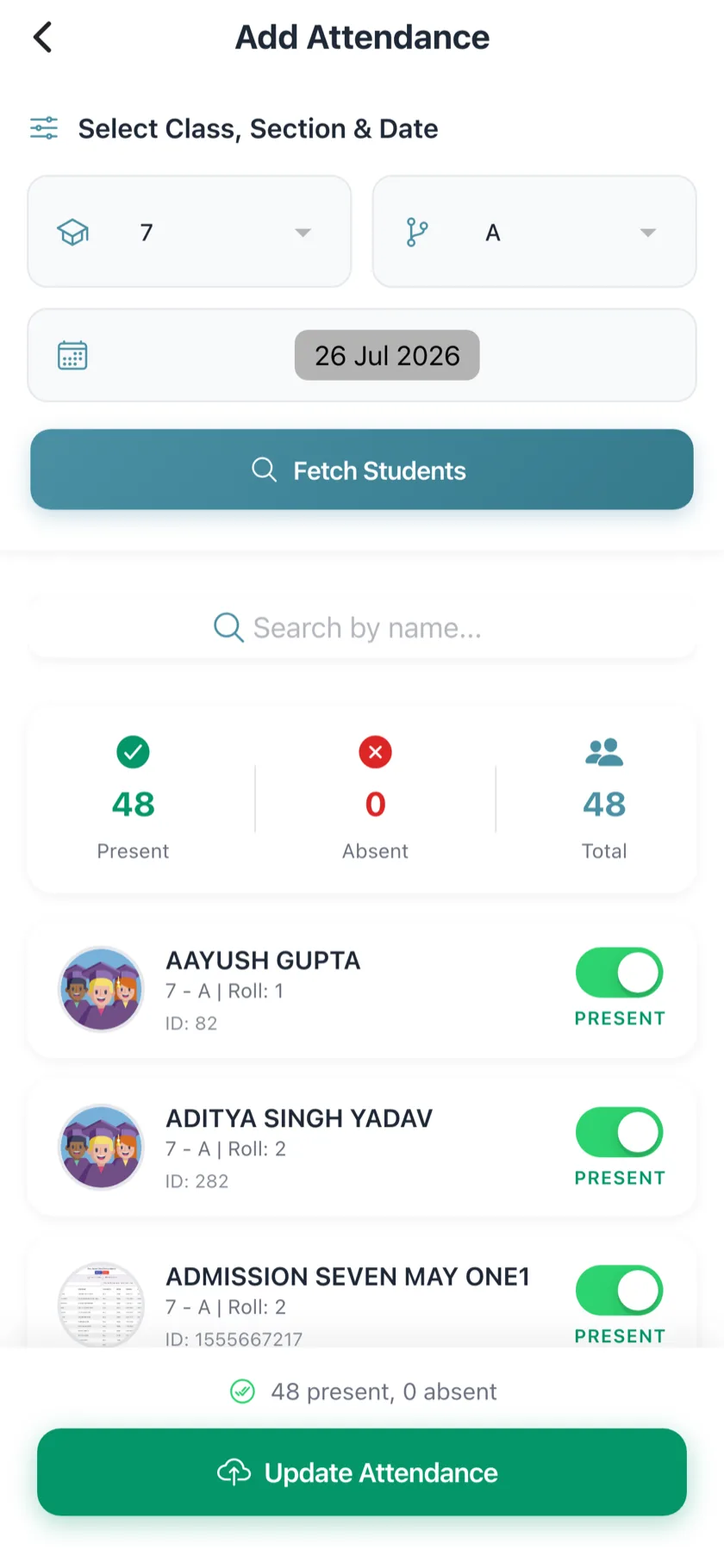
Class register
Teacher app and web, everyone starts present, offline sync.
EDII Attendance · on the school operating system
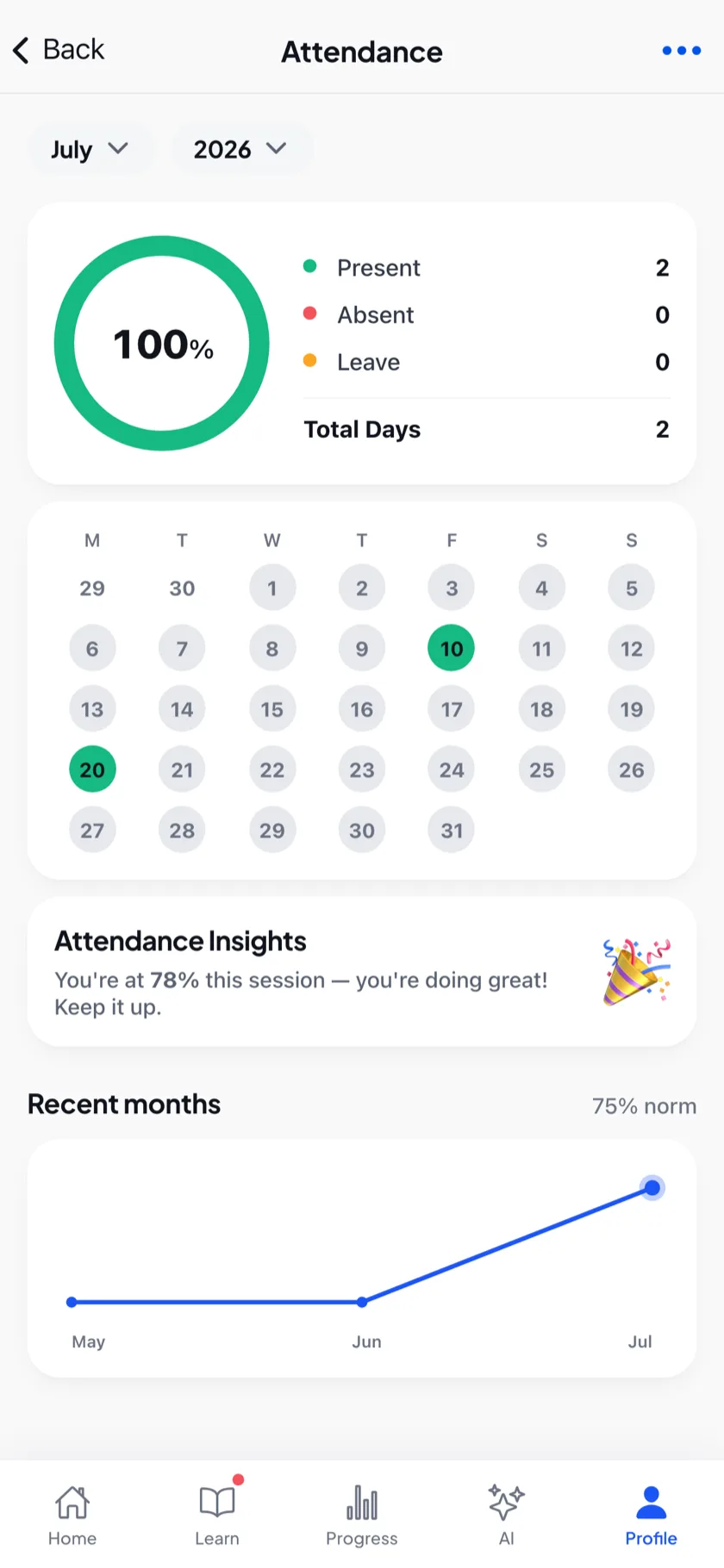
EDII Attendance puts the class register in the Teacher app and on the web. A teacher marks a class in seconds, even without signal; the parent of an absent child hears about it before the bell; and the principal sees which sections are not marked yet and nudges the teacher from the EDII Admin app.
01 · Marking
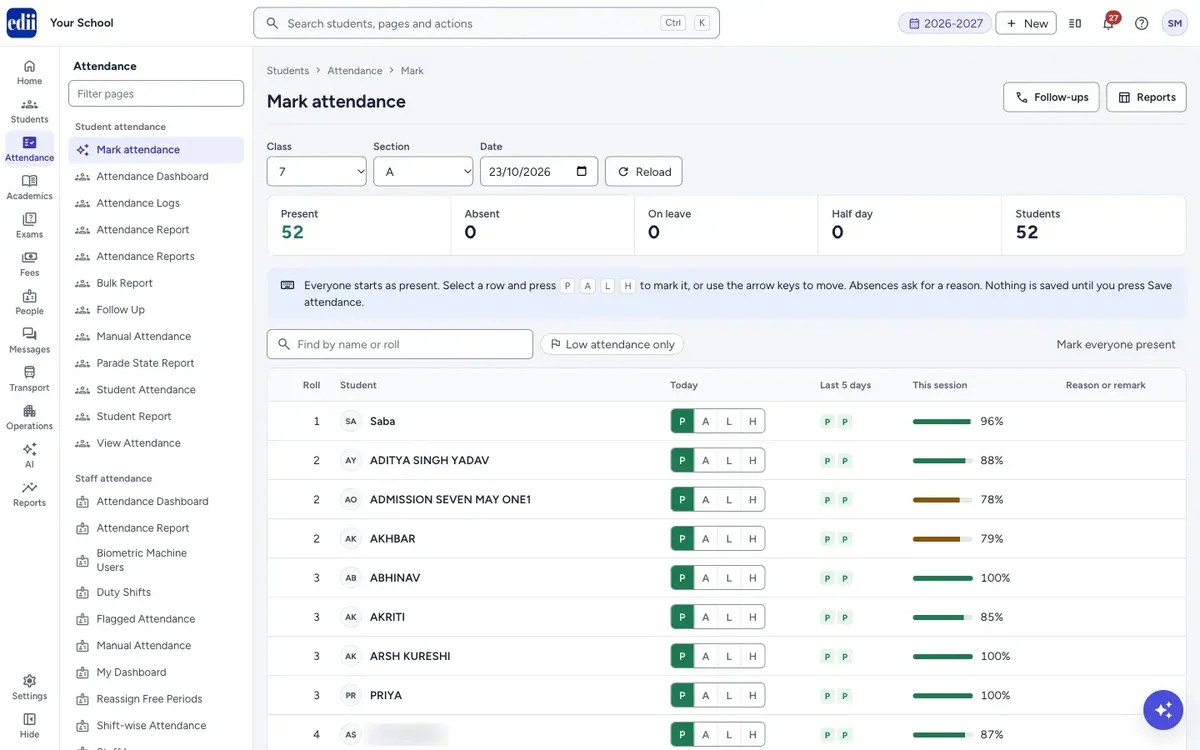
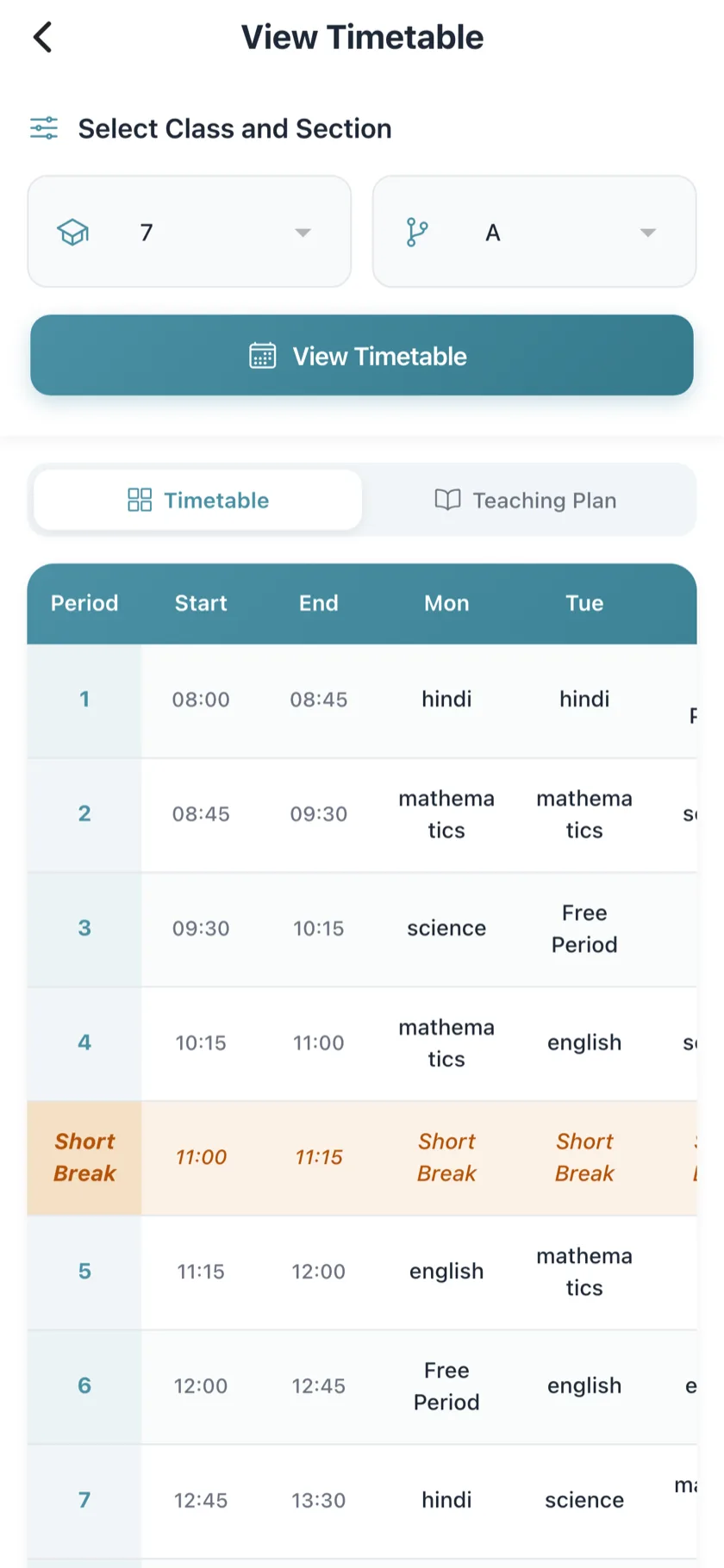
Everyone starts as present; the teacher taps only the absentees, or on the web presses P, A, L or H and moves on with the arrow keys. The last five days and the session percentage sit beside every name.
The app works where the signal does not: mark the register with no internet and it syncs by itself the moment you are back online. On a computer, the same register runs on the keyboard.
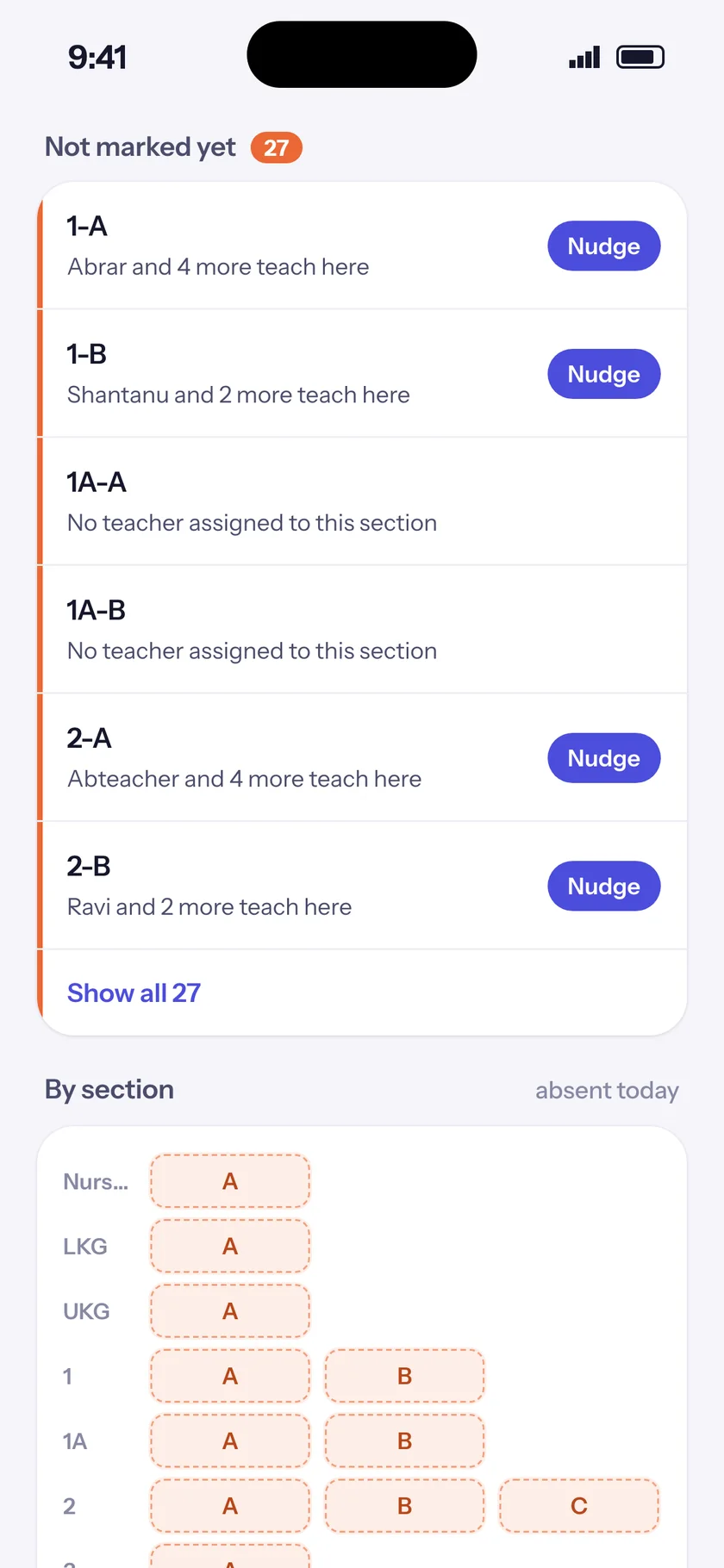
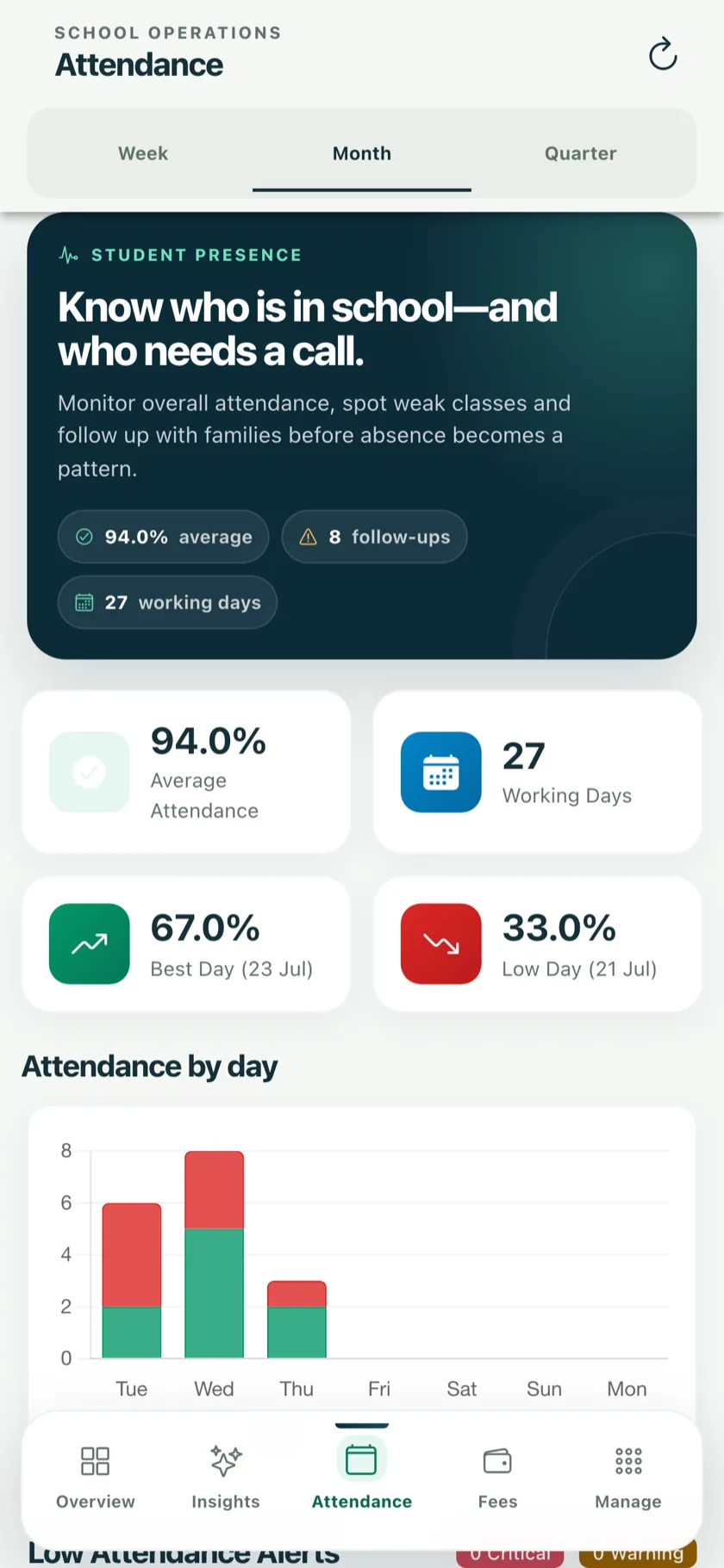
The EDII Admin app lists the sections whose attendance is not marked yet, with the teachers who teach them and a Nudge button. Attendance analytics show the week, the month and the term, with the days that dipped.
02 · Follow-up
Absence is a symptom. EDII brings the pattern to the people who can act on it, early.
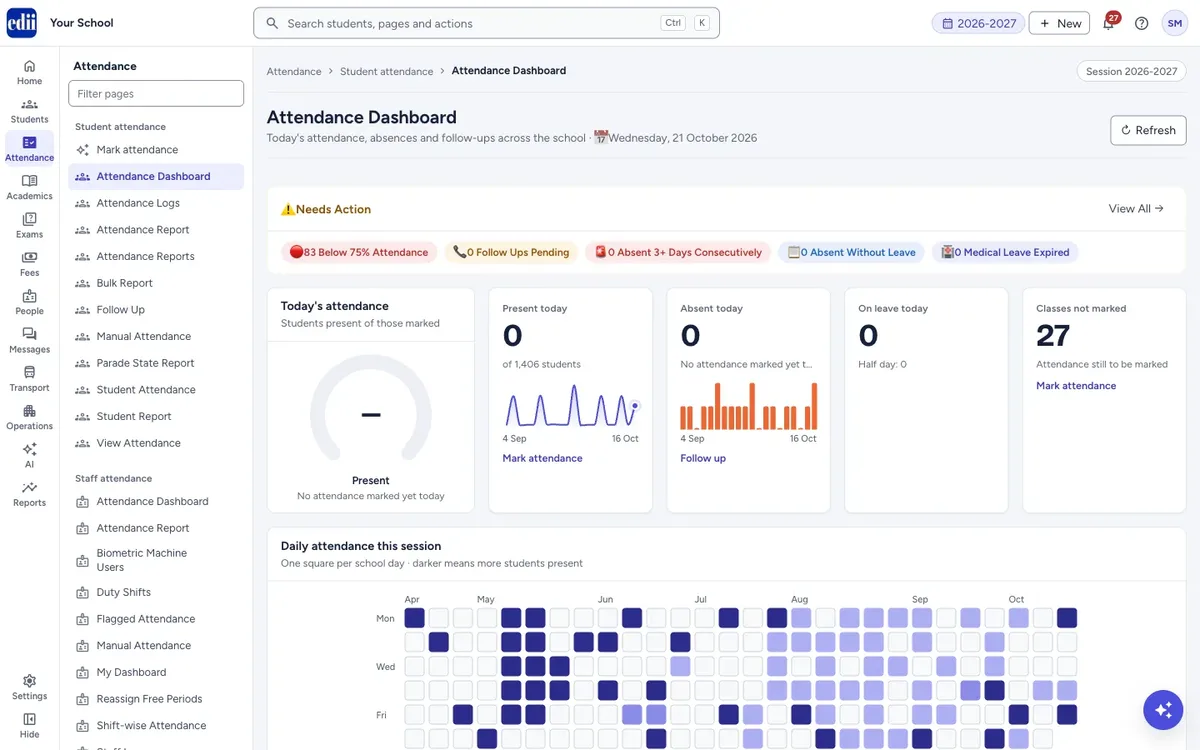
Today's absent students are listed with their attendance percentage and a warning for anyone absent several days in a row. Call the parent, send a WhatsApp message (the teacher always confirms first), or let AI draft a short message to approve, then log what happened.
03 · Staff
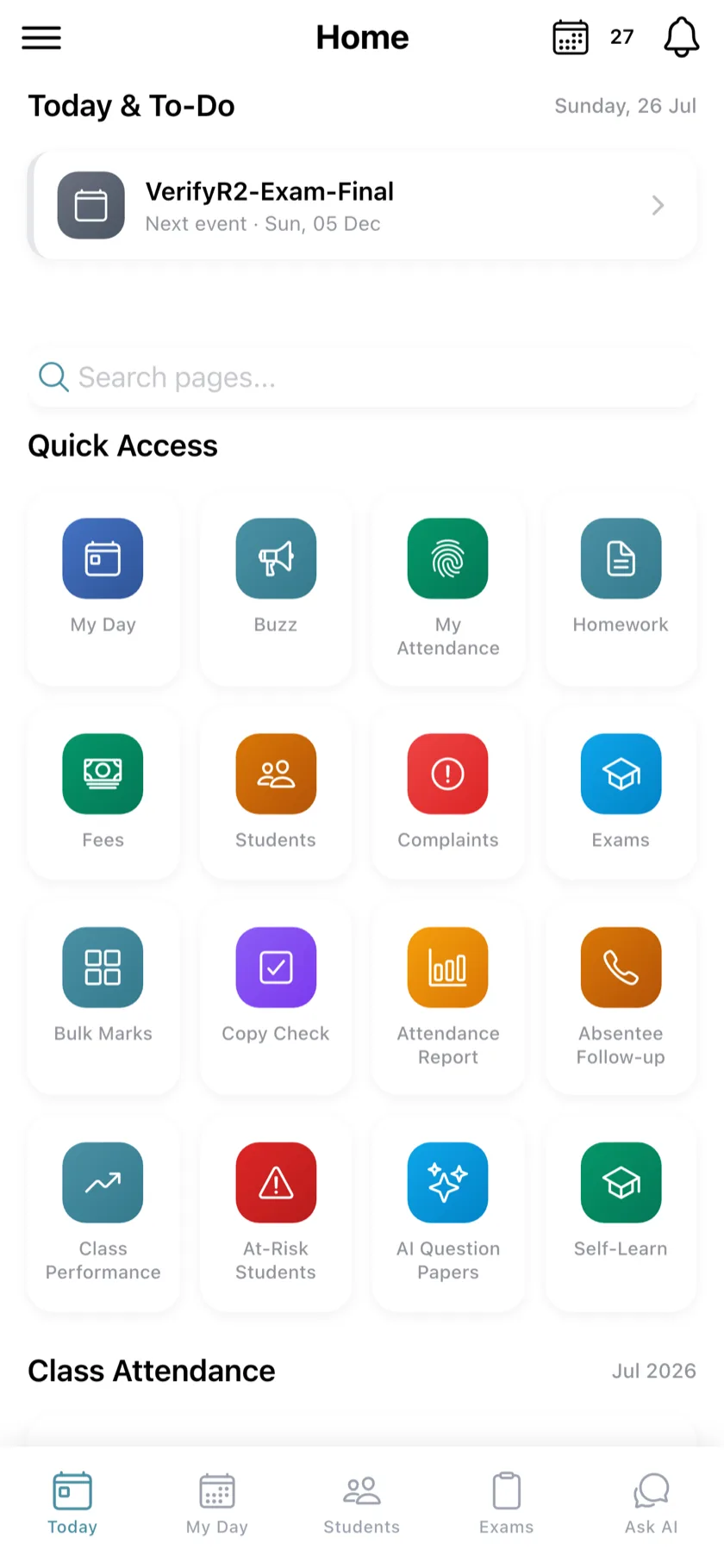
Teachers punch in from the app or on a biometric machine, and the record shows where each punch came from.
Fingerprint and face machines sync in real time. Schools on biometric can switch the app punch off entirely. Every app punch records the phone it came from, so one phone marking for two teachers shows up.
04 · Everything in Attendance
Teacher app and web, everyone starts present, offline sync.
One absence message per child per day, by app, SMS, WhatsApp or Telegram.
Sections not marked yet, with Nudge, on the EDII Admin app.
Calls, WhatsApp, AI-drafted messages the teacher approves, and notes.
App punch with device record, biometric machines, shifts and late minutes.
Daily, monthly and session reports that count only working days, to Excel or A4.
05 · Questions
Yes. The Teacher app saves the register with no signal and syncs it by itself when the phone is back online.
No. Each parent gets at most one absence SMS and one app notification per child per day, even if the register is saved again.
Yes. The web register works on the keyboard: everyone starts present, and P, A, L or H marks a student.
Yes. Fingerprint and face machines sync staff attendance in real time, and a school on biometric can switch the app punch off.
Only working days count: days when attendance was taken. Sundays, holidays and future days never lower a child's percentage.
Next step
A 30-minute demo with your own classes. Setup, data migration and staff training are free.
Or start in 60 seconds: create your school's ID (opens in new tab) · +91 78294 67111